AI Images को Marketing के लिए कैसे करें Edit: 2026 की पूरी Guide
TL;DR
AI-generated images को edit करना अब बहुत आसान है CremyX जैसे chat-based tools से, जहाँ आप complex design software सीखे बिना, normal language में changes बता सकते हैं. आप background बदल सकते हैं, colors adjust कर सकते हैं, text overlays add कर सकते हैं, और अपनी brand consistency maintain कर सकते हैं – वो भी बिना Photoshop skills के!
AI-Generated Marketing Images को Edit करना क्यों ज़रूरी है?
AI image generators कुछ ही सेकंड्स में शानदार visuals बना देते हैं, लेकिन पहली बार में ही perfect marketing-ready content मिलना थोड़ा मुश्किल होता है. कभी-कभी आपको background color बदलना पड़ सकता है, अपनी brand palette से match करने के लिए lighting adjust करनी पड़ सकती है, या कोई unwanted element हटाना पड़ सकता है. अच्छी बात ये है कि नए AI editing tools इस process को उतना ही simple बना देते हैं, जितना कि आप बस जो change चाहते हैं, उसे टाइप कर दें.
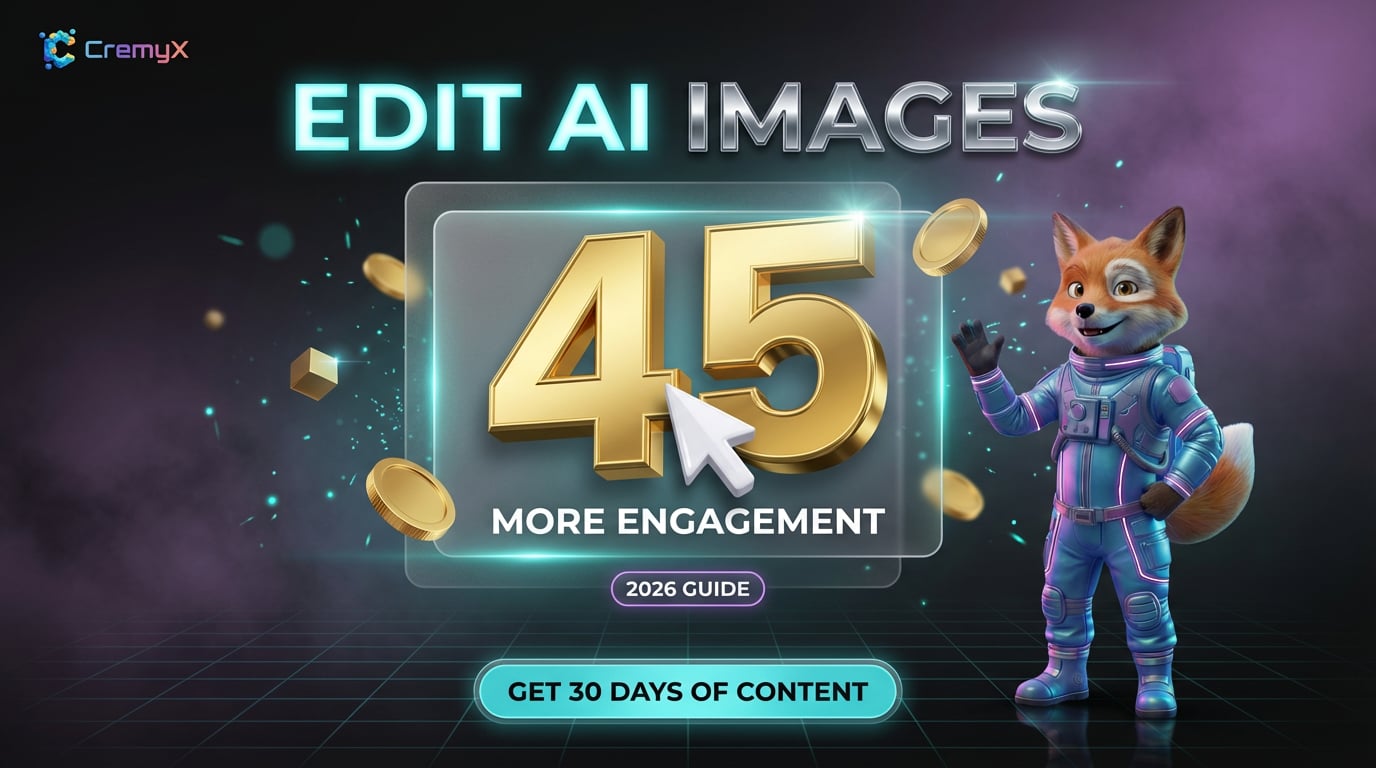
2026 की HubSpot study के अनुसार, visual content जिसमें brand-consistent colors होते हैं, वो generic stock photos से 45% ज़्यादा engagement पाते हैं. इसलिए, अपनी brand identity से match करने के लिए AI images को edit करना सिर्फ एक choice नहीं, बल्कि marketing ROI के लिए ज़रूरी है.
Chat-Based AI Editing बनाम Traditional Design Tools
Photoshop जैसे traditional tools सीखने में सालों लग जाते हैं. Canva design को थोड़ा simplified करता है, लेकिन फिर भी एक drag-and-drop interface है जिसमें design intuition की ज़रूरत होती है. Chat-based AI editing एक बिल्कुल अलग approach है: आप बताते हैं कि आपको क्या चाहिए, और AI उसे execute कर देता है.
| Feature | Photoshop | Canva | CremyX AI Image Edit |
|---|---|---|---|
| Learning Curve | महीने-साल | घंटे-दिन | मिनट |
| Brand Color Matching | Manual | Manual (Brand Kit) | Automatic |
| Background Change | Complex selection tools | Limited | Type करें "change background to..." |
| Version History | Manual saves | Basic | Full conversation history |
| Reference Image Upload | N/A | N/A | Yes — "make it look like this" |
Step-by-Step: CremyX के साथ AI Images Edit करें
Step 1: अपनी Base Image Generate करें
शुरुआत CremyX के AI Image Generator से एक image बनाकर करें. System आपकी brand के color palette, typography style, और visual identity को automatically use करता है – तो आपका starting point पहले से ही brand-consistent होगा.
Step 2: Chat-Based Editor खोलें
किसी भी generated image पर क्लिक करें ताकि AI Image Edit interface खुल जाए. यह कोई traditional canvas editor नहीं है – यह एक conversation है. आप टाइप करते हैं कि आप क्या बदलना चाहते हैं, और AI original को preserve करते हुए एक नया version बनाता है.
Step 3: अपने Changes Describe करें
Edits request करने के लिए natural language का इस्तेमाल करें. Effective prompts के examples:
- "Change the background to a sunset gradient" — AI subject को intact रखते हुए background बदल देता है.
- "Make the colors warmer and more inviting" — Global color adjustment हो जाएगी.
- "Add a subtle shadow under the product" — Depth और realism add करें.
- "Make it match this reference" — एक reference image upload करें और AI style को adapt कर लेगा.
Step 4: Consistency के लिए Reference Images का उपयोग करें
सबसे powerful features में से एक है reference image upload. अगर आपके पास कोई मौजूदा marketing visual है जो आपको पसंद है, तो उसे reference के तौर पर upload करें. AI नई image के style, color grading, और composition को match करने के लिए adapt करेगा – जिससे आपके पूरे campaign में visual consistency बनी रहेगी.
Step 5: Versions Compare करें
हर edit आपकी conversation history में एक नया version बनाता है. आप किसी भी previous version पर वापस जा सकते हैं, side-by-side compare कर सकते हैं, और किसी भी point से editing जारी रख सकते हैं. यह non-destructive workflow का मतलब है कि आप कभी भी एक अच्छा version नहीं खोते.
5 सबसे Common Marketing Image Edits
1. Background Changes
सबसे ज़्यादा requested edit. चाहे आपको e-commerce के लिए एक clean white background चाहिए, social media के लिए एक branded gradient, या Instagram के लिए एक lifestyle scene, chat-based editing इसे तुरंत handle कर लेता है. AI images में backgrounds कैसे बदलें, इसके बारे में ज़्यादा जानें.
2. Brand Color Adjustments
जब आपकी AI-generated image आपकी brand palette से पूरी तरह match नहीं करती, तो बस पूछें: "Adjust the accent colors to match my brand." CremyX आपकी imported brand colors को automatically reference करता है perfect matching के लिए.
3. Text Overlays Add करना
जबकि AI image generators कभी-कभी text के साथ struggle करते हैं, editing step आपको exactly specify करने देता है कि text कहाँ और कैसे दिखना चाहिए. "Add 'Summer Sale' in the top-right corner using a bold serif font" आपको precise control देता है.
4. Unwanted Elements हटाना
AI कभी-कभी unexpected details add कर देता है. बस बताएं कि क्या हटाना है: "Remove the person in the background" या "Clean up the bottom-left corner." AI area को seamlessly reconstruct कर देता है.
5. Style Transfer
क्या आप चाहते हैं कि आपकी product photo watercolor painting जैसी दिखे? एक flat illustration? एक vintage photograph? Chat के ज़रिए style transfer उतना ही simple है जितना कि desired aesthetic को describe करना. अपने preferred styles को future images के लिए save करने के लिए Style Themes का उपयोग करें.
Edited Images में Brand Consistency Maintain करना
AI-generated marketing visuals के साथ सबसे बड़ी चुनौती individual images बनाना नहीं है – बल्कि दर्जनों या सैकड़ों assets में consistency बनाए रखना है. CremyX इसे ऐसे solve करता है:
- Brand DNA Import: अपनी brand को URL, document, या TikTok channel के ज़रिए import करें. CremyX आपके colors, fonts, voice, और visual style को automatically analyze करता है.
- Style Themes: 3-5 sample images upload करें जो आपको पसंद हैं. CremyX visual style सीखता है और इसे सभी future generations और edits पर apply करता है.
- Characters: Consistent character representations (real person photos या 3D characters) बनाएं जो आपके सभी marketing visuals में दिखें.
AI Marketing Images Edit करते समय Common Mistakes
- Over-editing: हर edit एक generation step add करता है. 10 छोटे edits की बजाय 2-3 targeted edits करें.
- Brand guidelines को ignore करना: हमेशा अपनी brand colors और style को ध्यान में रखकर edit करें. CremyX इसे automatically handle करता है जब आपने अपनी brand import कर ली हो.
- Reference images का उपयोग न करना: Reference images edit quality को dramatically improve करते हैं. जब संभव हो, AI को बताएं कि आप क्या चाहते हैं, सिर्फ describe न करें.
- Platform requirements भूल जाना: Instagram, Facebook, और LinkedIn की optimal image sizes अलग-अलग होती हैं. शुरू से ही सही platform के लिए generate करें.
Marketing Professionals के लिए Advanced Editing Techniques
High-volume visual content बनाने वाली marketing teams के लिए, ये advanced workflows घंटों बचाते हैं:
- Batch style application: कई images generate करें, फिर Style Themes का उपयोग करके सभी पर एक ही style edit apply करें.
- Campaign color variants: एक hero image बनाएं, फिर अलग-अलग platforms या A/B testing के लिए color variants generate करें.
- Product placement editing: अपनी product images import करें, फिर AI scenes को edit करें ताकि आपके actual products शामिल हो सकें.
Conclusion: Marketing Image Editing का Future
Chat-based AI image editing marketing ideas और visual execution के बीच की technical barrier को खत्म कर देता है. Photoshop सीखने या templates से compromise करने की बजाय, आप exactly describe करते हैं कि आप क्या चाहते हैं और कुछ ही सेकंड्स में professional results पाते हैं.
CremyX का AI Image Edit feature आपकी brand identity को समझकर, Style Themes के ज़रिए visual consistency बनाए रखकर, और non-destructive workflows के लिए full version history offer करके generic editing से कहीं आगे जाता है. अपने marketing images को free में edit करना शुरू करें 20 credits के साथ – कोई design skills की ज़रूरत नहीं.
Frequently Asked Questions
क्या मैं AI-generated images को बनाने के बाद edit कर सकता हूँ?
हाँ. CremyX का chat-based editor आपको किसी भी AI-generated image पर unlimited edits करने देता है. हर edit एक नया version बनाता है जबकि original को preserve करता है. AI images को बनाने के बाद edit करने के बारे में ज़्यादा पढ़ें.
क्या मुझे AI images edit करने के लिए design skills की ज़रूरत है?
नहीं. पूरी editing process natural language का उपयोग करती है – आप बताते हैं कि आप क्या बदलना चाहते हैं, और AI उसे execute करता है. कोई layers नहीं, कोई masks नहीं, कोई technical knowledge की ज़रूरत नहीं.
CremyX edits के दौरान brand consistency कैसे बनाए रखता है?
CremyX Brand DNA analysis step के दौरान आपकी brand identity (colors, fonts, style) import करता है. सभी subsequent image generation और editing automatically आपकी brand guidelines को reference करती है.
💡 CremyX के साथ इन Tips को Apply करें
Tips पढ़ना बंद करें और उन्हें implement करना शुरू करें. CremyX आपकी brand को analyze करता है और ऐसे ready-to-publish content generate करता है जो इन best practices को automatically follow करता है.
और जानें: Small Business के लिए AI Marketing · Best AI Tools FAQ